Video guidesSee FieldGene in action
Short narrated walkthroughs of every part of the app, recorded from the real screens. Press play — or read the steps under each video.
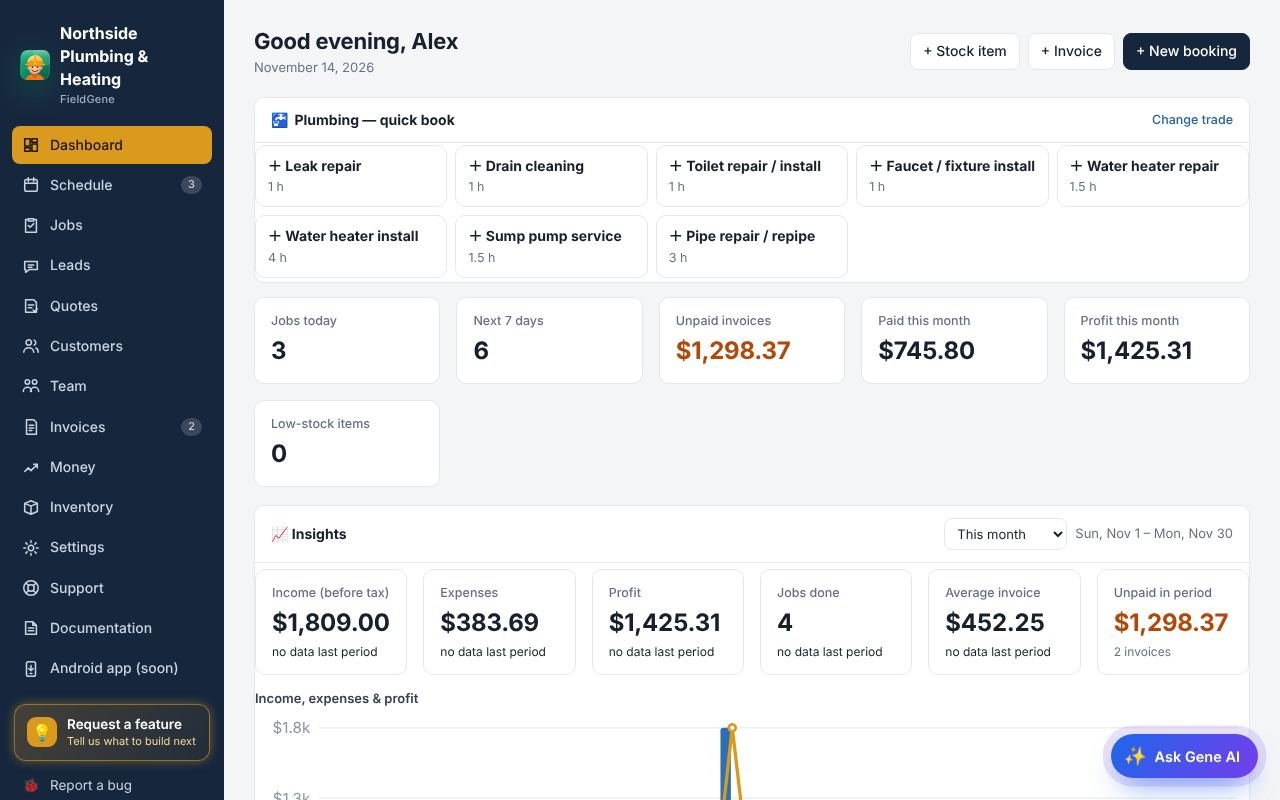
▶ 🚀 Getting startedA tour of FieldGene: the menu, your day, and how a job flows from booking to paid.6 steps · about 1 min
▶ ✨ Gene AI assistantBook, reschedule, invoice and record expenses by typing or talking.4 steps · about 1 min
▶ 📅 Schedule & booking a jobBook a job in under a minute and see your week without double bookings.5 steps · about 1 min
▶ 🧰 JobsEvery job in one list: status, team, and Done to create the invoice.4 steps · about 1 min
▶ 👥 CustomersEveryone you have worked for, with their jobs, quotes, invoices and what they owe.4 steps · about 1 min
▶ 📝 Quotes & customer approvalGood, Better, Best quotes that customers approve online.4 steps · about 1 min
▶ 🧾 Invoices & paymentsCreate, send and get paid, by card or any other way.4 steps · about 1 min
▶ 🌐 Online booking pageCustomers pick a service and a free time themselves.4 steps · about 1 min
▶ 👤 Customer accountsCustomers sign in with their email to see visits, approve quotes and pay.4 steps · about 1 min
▶ 💰 Money, reports & taxWhat you really made, and your sales-tax report.3 steps · about 1 min
▶ 📦 InventoryParts and materials, counted for you.3 steps · about 1 min
▶ 👷 Team & dispatchAssign jobs to technicians; their phone buzzes straight away.3 steps · about 1 min
▶ 💳 Plans & billingYour free trial, plans, limits and how to upgrade.4 steps · about 1 minPrefer to read? See the documentation →