📅 Schedule & booking a job
Book a job in under a minute and see your week without double bookings.

1/5The schedule shows your week. Each job has its time, customer and status.
Schedule & booking a job: step by step
- The schedule shows your week. Each job has its time, customer and status.
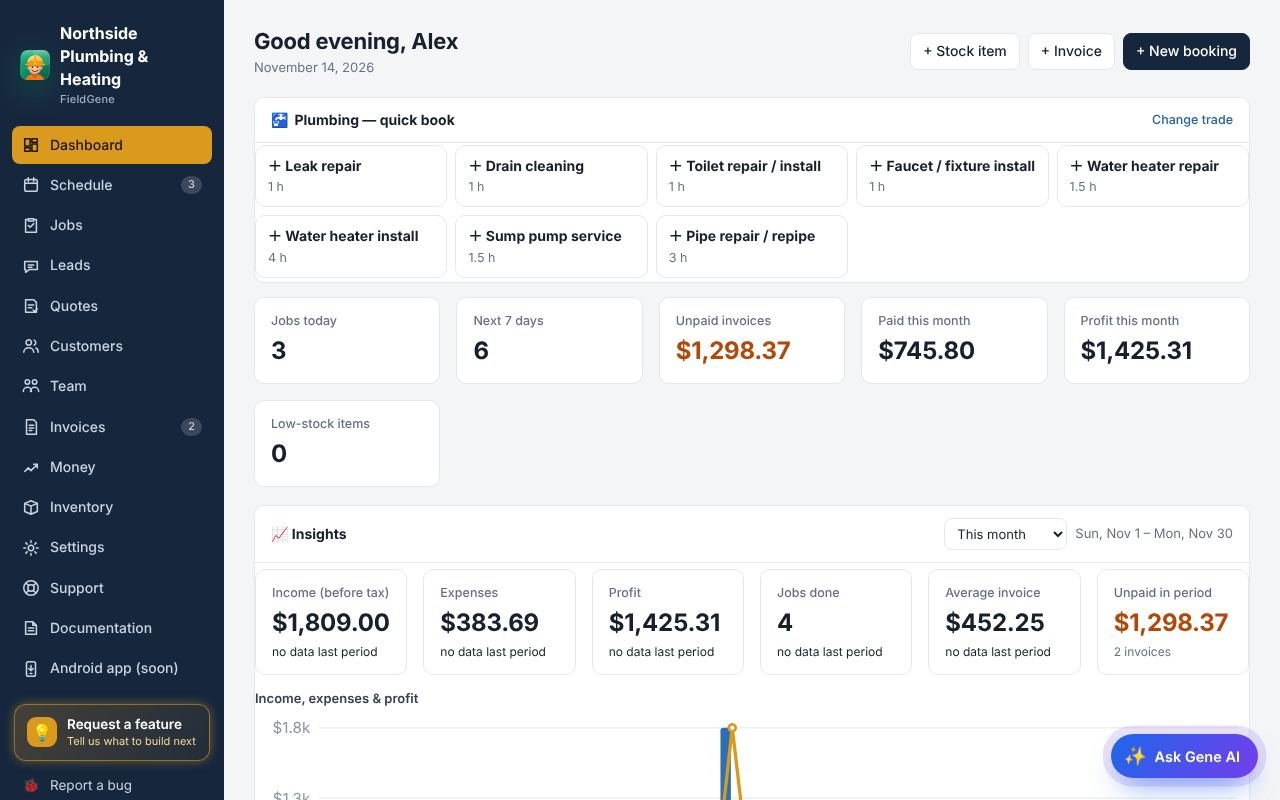
- Tap New booking to add a job.
- Type the customer’s name or phone. Saved customers fill in their phone, email and address.
- Choose the date and time. Other jobs that day are shown, and overlaps are flagged. On Pro and Team, a job can repeat by itself.
- Save, and the job is on your schedule. Your team is notified if you assign it to them.
Read the full documentation → · Try FieldGene free →
More video guides
 ▶
 ▶
 ▶
 ▶
 ▶
 ▶
 ▶
 ▶
 ▶
 ▶
 ▶
 ▶