🧰 Jobs
Every job in one list: status, team, and Done to create the invoice.

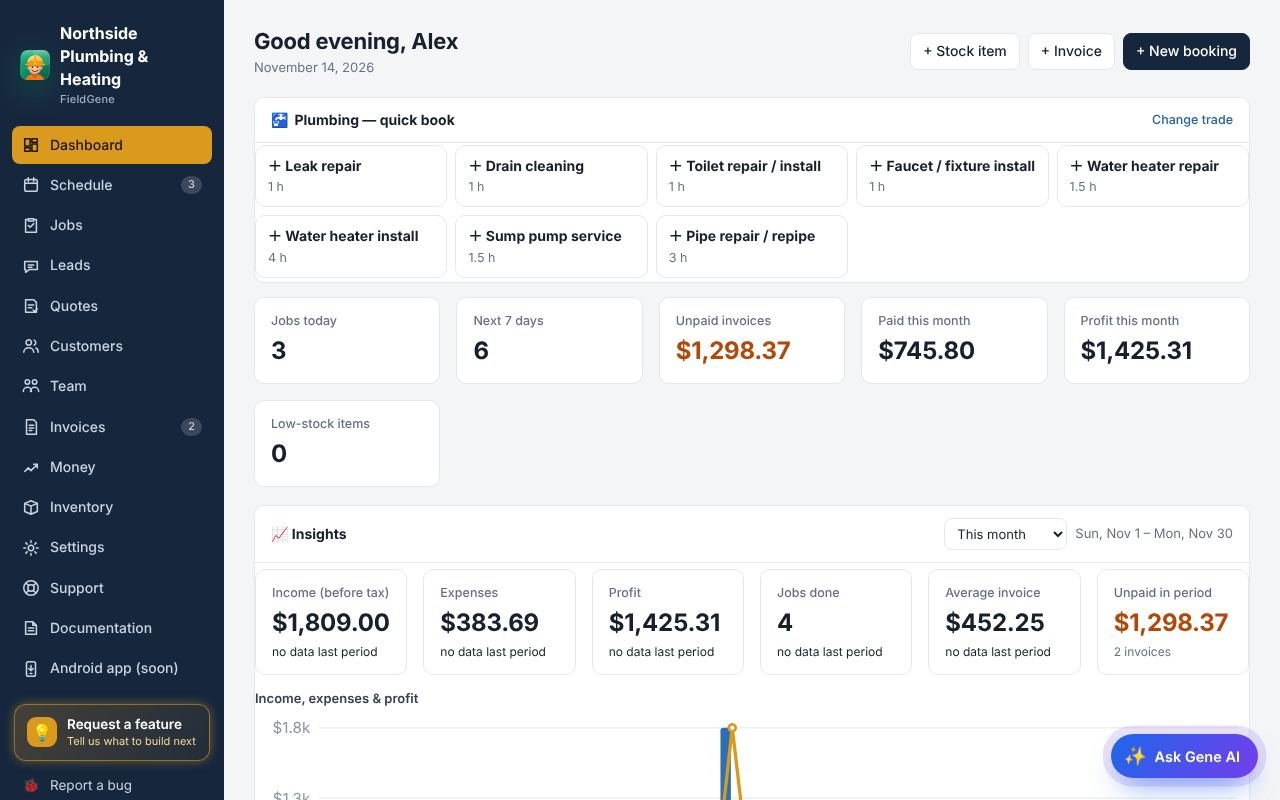
1/4Jobs lists every job, with tabs for today, upcoming, and jobs that still need closing.
Jobs: step by step
- Jobs lists every job, with tabs for today, upcoming, and jobs that still need closing.
- Tap Done when a job is finished. Its invoice is created straight away.
- Change the status in one tap: scheduled, on the way, in progress, done.
- The phone button calls the customer, and the pin opens directions in Maps or Waze.
Read the full documentation → · Try FieldGene free →
More video guides
 ▶
 ▶
 ▶
 ▶
 ▶
 ▶
 ▶
 ▶
 ▶
 ▶
 ▶
 ▶