🧾 Invoices & payments
Create, send and get paid, by card or any other way.

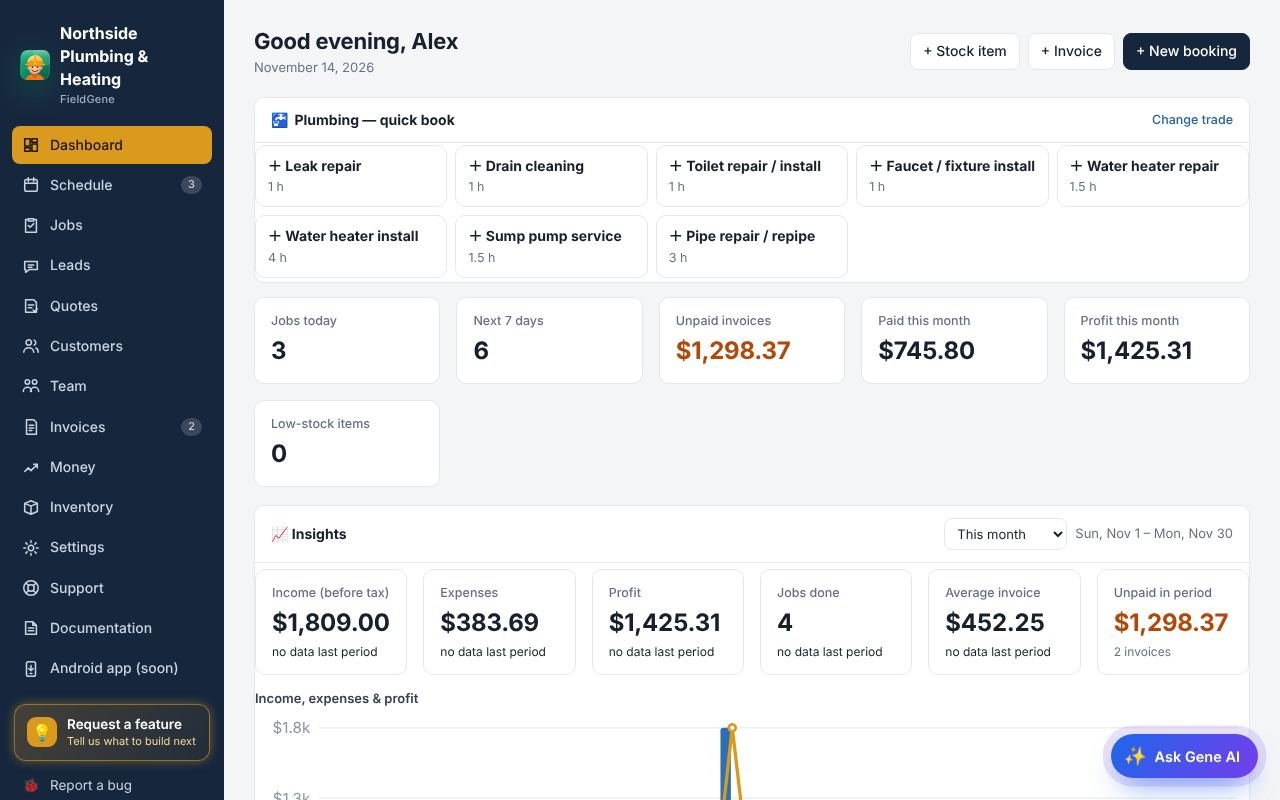
1/4Invoices lists what you have billed, what is paid and what is still owed.
Invoices & payments: step by step
- Invoices lists what you have billed, what is paid and what is still owed.
- Open an invoice to email it, download the PDF, or share its link by text.
- Got paid in cash, cheque or e-transfer? Pick the method and tap Mark paid.
- With online payments on, customers tap Pay now and pay by card. The money goes to your own Stripe account and the invoice marks itself paid.
Read the full documentation → · Try FieldGene free →
More video guides
 ▶
 ▶
 ▶
 ▶
 ▶
 ▶
 ▶
 ▶
 ▶
 ▶
 ▶
 ▶